Your library at startup
Identify ROMs and display game titles in Chinese, Japanese, or English. Browse favorites, recents, and genres, or search by pinyin initials. Fill in missing covers and screenshots in bulk from the device manager.
BUILT FOR ORIGINAL MEGA DRIVE / GENESIS
Kumo MD is a flash cartridge that loads games into RAM. No need to reflash for each game. Browse your library on the console, grab a controller, and play.
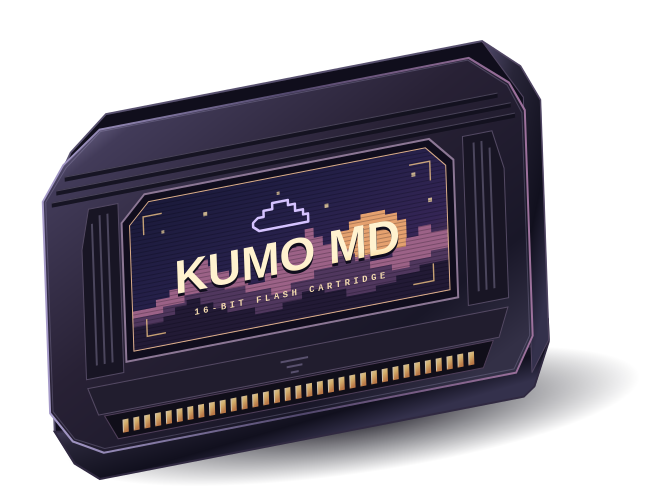 16 BIT MEGA DRIVE / GENESIS
Measured result. Actual load times vary by ROM, microSD card, and patches.
01 / FEATURES
Spend less time managing files. Find a game on the TV, save mid-level, or organize your cartridge from your phone.
Identify ROMs and display game titles in Chinese, Japanese, or English. Browse favorites, recents, and genres, or search by pinyin initials. Fill in missing covers and screenshots in bulk from the device manager.
Create multiple save states in the in-game menu, or set shortcuts to save and load. States are stored on microSD; available space determines how many you can keep.
Enable rewind in settings to take a snapshot every 3, 5, or 10 seconds and keep up to 12. How far you can go back depends on ROM size and settings.
Upload games, manage saves, and update firmware through the Wi‑Fi device manager without removing the card. You can also manage it over USB‑C from a computer.
Apply same-name IPS / BPS patches without changing the original ROM. Supports Game Genie and raw address codes, with up to 256 active codes per game.
Players 1 and 2 use console controllers. Compatible J‑Cart games can use two BLE controllers for players 3 and 4; ordinary two-player games cannot.
02 / MENU PREVIEW
Try genres, favorites, or search. When the game list has focus, use ↑ or ↓ to move between titles.
Interactive mockup · Game titles shown for illustration only
 KUMO MDGAME LIBRARY
03 / HARDWARE
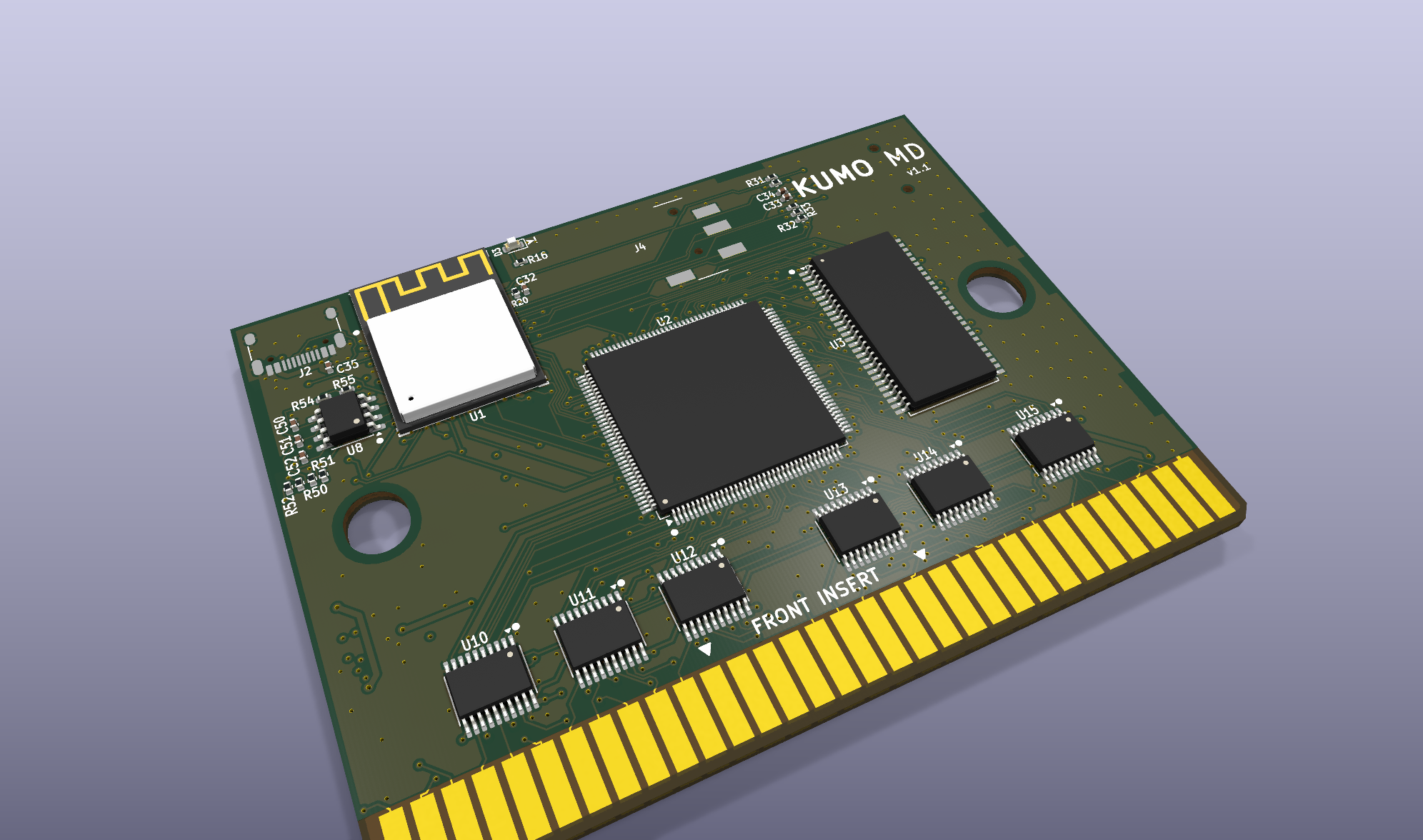
The cartridge loads games from microSD into memory so your original console can run them directly. No emulator, and no reflashing every time you switch games.
04 / FIRST BATCH
The first batch is for people who still play on original MD hardware. We’re building a cartridge you’ll want to keep in the slot.
¥899Reference price
First-batch registration is not open yet
Read preorder informationThis site does not take payments. Final pricing, delivery dates, and after-sales terms will be posted through the official preorder channel.
05 / FAQ
First-batch registration is not open yet, and shipping dates have not been announced. ¥899 is a reference price, not a payment request. Check the official channel for preorder terms.
Commercial game ROMs are not included. Put .bin, .md, .gen, or .smd games you have the right to use in the roms/ folder on a FAT32 microSD card. Insert the cartridge with the console off, then power it on. You can also upload games through the device manager.
Full compatibility is not guaranteed. Games that rely on special cartridge chips, such as Virtua Racing, are not supported. Some clone consoles, games that do not use VBlank interrupts, and large ROMs may not support the in-game menu or rewind. After loading a save state, music may resume from the next note.
Press C in the console’s menu to see the cartridge’s Wi‑Fi name and password. Join that network and open http://192.168.4.1. If connected to a computer over USB‑C, open http://192.168.7.1. These addresses are for the cartridge’s own device manager, not this site.
No. MSU‑MD / CD audio, SMS mode, video playback, achievements, and online multiplayer are not included in the features shown here.